
Why Next.js Is the Right Choice for Modern Websites in 2026
If you've ever waited three seconds for a website to "load" before you could even read the headline, you already understand the problem Next.js was built to solve. Most of the modern web is slower than it needs to be, mostly because of how it's built, not because of bad design. Next.js fixes that at the root, and that's the real reason so many teams — from two-person startups to companies like Netflix and Notion — have moved to it.
I want to walk through this properly: what Next.js actually is, why it's worth using instead of plain React (or something older), how server-side rendering works under the hood, and — because this question comes up constantly — where you should actually deploy it. Vercel and Coolify both come up, and they're not competing for the same job, so I'll break down when each one makes sense.
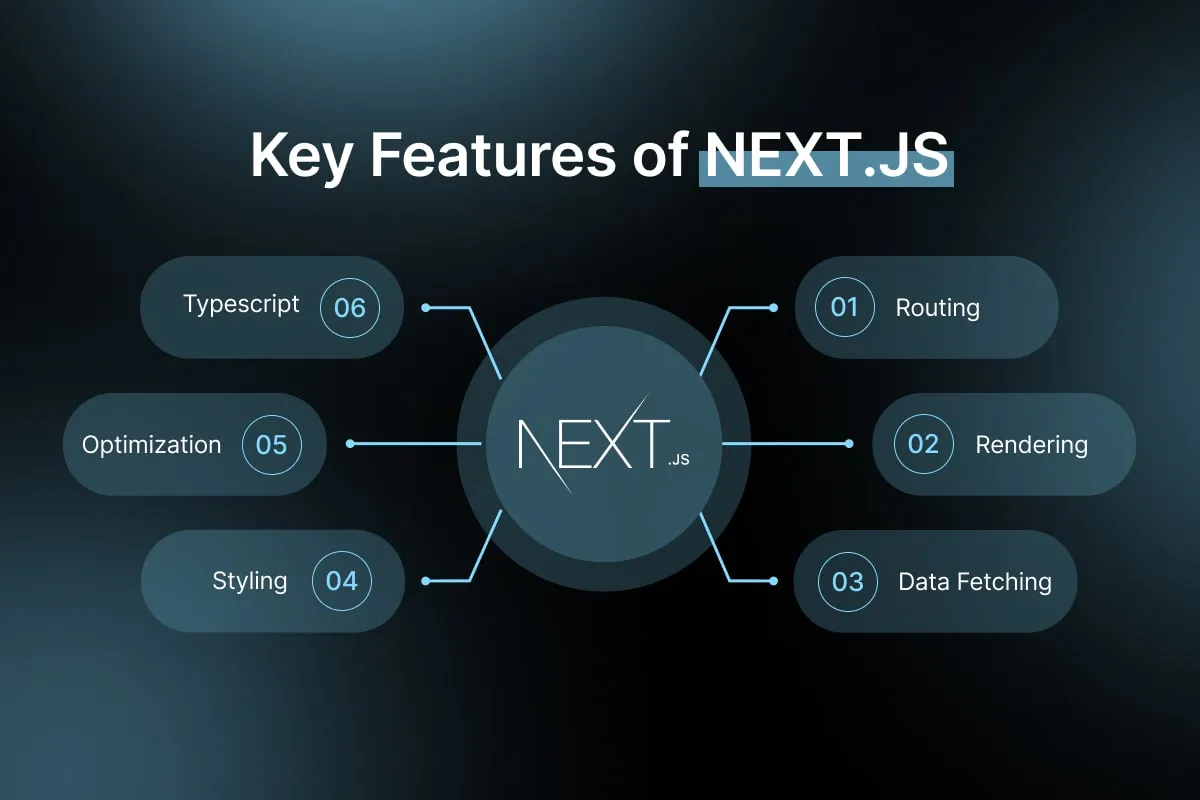
What Next.js Actually Is (Without the Marketing Language)
Next.js is a framework built on top of React. React alone handles what shows up on your screen and how it reacts to clicks, typing, and state changes. But React by itself doesn't tell you how to structure a project, how to handle routing between pages, how to fetch data efficiently, or how to make sure Google can actually read your content. Next.js fills in all of that.
Think of React as the engine and Next.js as the entire car built around it — the routing, the wiring for the backend, the optimizations, the parts that make it actually drivable on a real road instead of a test track.
The Core Problem With Old-School React Apps
Before frameworks like Next.js became standard, most React apps were what's called Single Page Applications, or SPAs. The browser would download a nearly empty HTML file, then a big JavaScript bundle, then run that JavaScript to build the entire page from scratch, in the user's browser.
This causes two real problems:
- Slow first load. The user stares at a blank screen (or a spinner) until all that JavaScript finishes downloading and running.
- Search engines and AI tools struggle with it. Google can eventually run JavaScript to see the content, but it's slower and less reliable than reading plain HTML. And a lot of newer AI-driven search tools — the ones people now use instead of typing into Google — read pages more literally. If your content only appears after JavaScript runs, some of these tools may miss it entirely.
Next.js exists mainly to solve exactly this.
Server-Side Rendering: The Feature That Changes Everything
This is the part worth actually understanding, not just repeating as a buzzword.
With server-side rendering (SSR), the server builds the full HTML page — text, images, layout, everything — before it ever reaches the visitor's browser. The browser receives a page that's already readable, not a blank shell waiting for JavaScript to catch up.
Next.js actually gives you more than one rendering option, and picking the right one for each page matters:
- Static Site Generation (SSG) — the page is built once, ahead of time, and served instantly to every visitor. Perfect for a blog post, a pricing page, or a marketing page that doesn't change every minute.
- Server-Side Rendering (SSR) — the page is built fresh on every request. Useful for something like a dashboard showing live data.
- Incremental Static Regeneration (ISR) — the best of both: pages are static (fast) but automatically rebuild in the background on a schedule, so content stays fresh without sacrificing speed.
- React Server Components — a newer piece of the puzzle where components render on the server by default, so a lot less JavaScript ever needs to reach the browser at all. Less JavaScript means faster pages, especially on slower phones and patchy connections.
The practical effect of all this: your pages load faster, your Core Web Vitals scores (the metrics Google actually uses to help decide rankings) improve, and your content is fully visible to search engines and AI crawlers the moment the page loads — no waiting on JavaScript.
One Codebase, Frontend and Backend Together
This is the part people underestimate. Next.js isn't just a frontend tool. Through API Routes and Server Actions, you can write backend logic — handling a form submission, talking to a database, processing a payment — right inside the same project as your frontend code.
That means:
- No separate backend repo to maintain, deploy, and keep in sync.
- No CORS headaches from frontend and backend living on different domains.
- Faster development, because your team isn't context-switching between two different codebases and two different mental models all day.
For a marketing site, this might mean your contact form's server logic lives two folders away from the form itself. For a full SaaS product, it means your entire app — UI and backend — can genuinely ship from one place.
Why This Matters for SEO Specifically
A lot of businesses come to us saying "our website looks great but nobody finds it on Google." Nine times out of ten, part of the problem is technical, not creative. Next.js directly addresses the technical side:
- Full HTML content is available immediately (via SSR/SSG), so search engines don't have to guess or wait.
- Built-in support for metadata, structured data (JSON-LD), sitemaps, and clean URLs — the things Google actually looks for.
- Automatic image optimization (
next/image) means faster page loads without you manually compressing every image. - Fast page speed is itself a ranking factor — and increasingly, a factor in whether AI tools like ChatGPT or Perplexity choose to cite your page as a source at all, since slow, JavaScript-heavy pages are harder for their crawlers to read cleanly.
None of this replaces good content or a real SEO strategy. But it removes the technical ceiling that stops good content from ever being found in the first place.
Where Next.js Actually Fits
Next.js isn't just for blogs. It genuinely scales across very different kinds of projects:
- Marketing and business websites — fast, SEO-friendly, easy to maintain.
- E-commerce stores — from small shops to large catalogs, with fast product pages that convert better.
- SaaS platforms and dashboards — frontend and backend logic living together, with the option to render dynamic, user-specific data on the server.
- Blogs and content sites — using static generation, pages can be nearly instant to load.
- Admin panels and internal tools — quick to build, easy to secure.
This range is part of why it's become the default choice for so many teams instead of a narrow, single-purpose tool. If you're starting a new website development project, the foundation matters as much as the design.
Deployment: Vercel vs. Coolify (Pick Based on What You're Building)
This is the question we get asked constantly, and the honest answer is: it depends on what you're deploying and who's running it.
Vercel — best for most websites and frontend-heavy apps
Vercel is built by the same team that created Next.js, so the two are practically designed for each other. Every git push triggers an automatic build and deploy, with a global edge network that serves your pages fast no matter where your visitor is located. For a marketing website, a blog, or a mostly-frontend product, this is the simplest and most reliable path — you write code, push it, and it's live in minutes with zero server management.
Choose Vercel when: you want zero infrastructure to manage, you're deploying a marketing site, blog, or frontend-heavy app, and you're fine with usage-based pricing as you grow.
Coolify — best for SaaS products with heavier backend needs
Coolify is a different kind of tool. It's an open-source, self-hosted platform you install on your own server (a VPS from a provider like Hetzner or DigitalOcean, for example). It gives you a similar "push to deploy" experience to Vercel, but everything runs on infrastructure you control — including databases, background jobs, and multiple services running side by side, all on one server you're paying a flat monthly rate for instead of a usage-based bill.
For a SaaS product specifically, this matters because SaaS apps usually need more than just a frontend — they need a database, background workers, maybe a caching layer like Redis, and predictable costs as usage grows. Coolify lets you run all of that on infrastructure you own, without the bill quietly climbing as your user base does.
Choose Coolify when: you're building a SaaS product with a database and backend services, you want full control over infrastructure, and you'd rather pay a fixed server cost than a usage-based bill that scales with your traffic.
The honest trade-off
Vercel trades a bit of cost for zero operational effort — you never think about servers. Coolify trades a bit of setup effort (you're responsible for your own server, backups, and uptime) for full control and predictable costs. Neither one is "better" in general — it depends entirely on whether you're shipping a marketing website (Vercel) or a backend-heavy SaaS product where infrastructure costs need to stay predictable as you scale (Coolify).
A lot of teams actually use both: Vercel for the public marketing site, Coolify for the SaaS application behind the login.
Is Next.js Always the Right Choice?
No, and it's worth saying that plainly. If you're building a truly tiny static page with no plans to grow it, a simpler static site generator might be faster to set up. And if your team has deep, existing expertise in a different framework and no real SEO or performance pain points, switching just for the sake of switching isn't worth the migration cost.
But for the vast majority of modern business websites, SaaS products, and content platforms — where speed, SEO, and the ability to scale from a simple site into something bigger all matter — Next.js is, at this point, the clear default rather than just one option among many.
Got questions?
We've got
answers
Everything you need to know about our process, services, and how we work together